

Cary Byrd // Founder of CinchLocal
What is a Google My Business Profile and Why Does Your Local Business Need One?

A Google My Business profile (officially renamed Google Business Profile) is a free tool provided by Google that allows roofing contractors and home service business owners to manage how their company appears across Google Search and Google Maps. For local contractors operating in competitive markets across states like Ohio, Tennessee, Georgia, and California, your profile serves as your digital storefront. When a property owner experiences severe storm damage or needs an emergency roof repair, they search on their mobile device. Having an active listing ensures your phone number, business hours, customer reviews, and service coverage appear immediately. Partnering with a specialized roofing marketing agency ensures your business captures maximum search visibility in your service area.
Without a verified profile, your roofing company misses out on thousands of monthly local searches. A complete listing turns raw search volume into qualified phone calls and online estimate requests, building instant consumer trust before you ever set foot on a roof. For proven strategies on maximizing your search presence, explore our guide on GMB Ranking Service Explained: How to Optimize Your Google My Business Profile for Top Local Results.
To get started with official management tools, visit the Get Listed on Google - Google Business Profile portal.
Understanding the Transition to a Google My Business Profile
Google rebranded "Google My Business" to "Google Business Profile" to streamline how local business owners update their business details. Previously, managing a listing required navigating a separate, clunky dashboard. Today, contractors can edit their business information, add project photos, and reply to home service inquiries directly inside standard Google Search results or through the Google Maps mobile app.
This structural shift makes real-time management straightforward for roofers on the go. You can upload photo proof of a completed shingle installation or update emergency weekend operating hours directly from your smartphone while sitting in your work truck.
Benefits of Local Map Pack Ranking
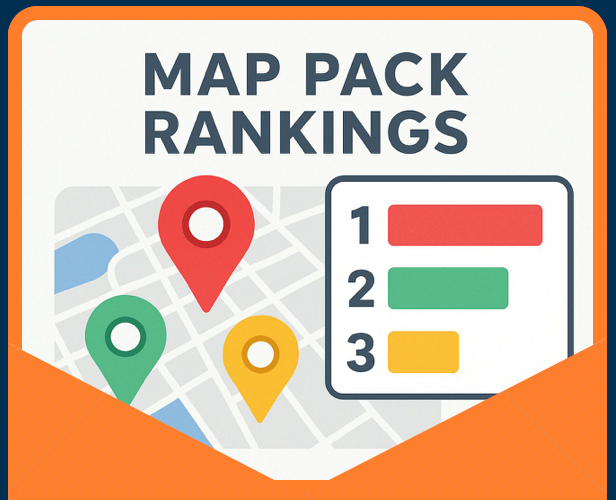
The Local Map Pack—often called the Google Maps 3-Pack—is the block of three prominent local business listings that appears at the top of Google search results for localized queries like "roofing company near me."
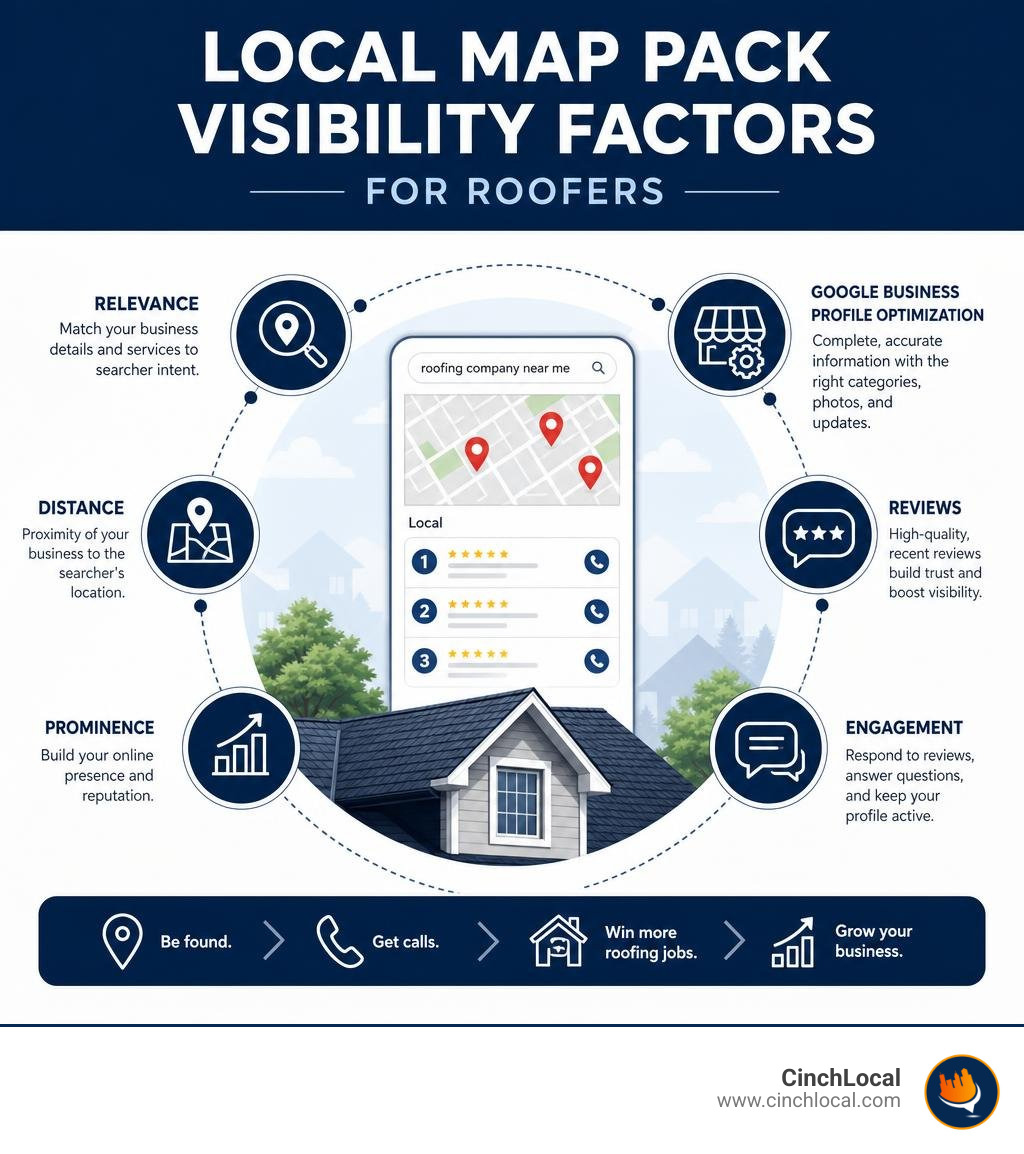
Securing a spot in this top-three position drives high click-through rates and high-intent customer leads. Homeowners searching in the Map Pack usually have an urgent need; they click to request turn-by-turn map directions, visit your website, or call your office directly. You can view our verified record of helping contractors claim top positions by reviewing our proven Google Maps local SEO results. To learn the step-by-step framework for capturing these spots, read our guide on how to Get Your Business in the Google Maps 3-Pack With This Step-by-Step Guide.
Step-by-Step Guide: How to Create, Claim, and Verify Your Listing
Setting up your Google My Business profile properly from the beginning prevents duplicate listings and indexing errors.

Claiming an Existing Unverified Business Listing
Frequently, Google automatically creates an unverified profile using web directory data, or a past employee may have started a listing for your roofing shop. Claiming an existing profile preserves existing customer reviews and historic location authority.
- Open Google Maps on desktop or mobile and search for your exact roofing company name along with your city.
- If your business appears on the map, look for the option labeled Claim this business or Own this business?
- Select Manage now and follow the prompts to associate the listing with your primary business Google account.
- If someone else manages the profile, submit an official ownership request. The current listing holder has three business days to approve or deny your request. If they fail to respond within three days, Google often allows you to proceed with claiming ownership directly.
Step-by-Step Verification Methods
Google requires identity and location verification before your listing can rank or edit public details. Google automatically assigns your required verification pathway based on risk indicators and public records. Official documentation on this process is available at Verify your business on Google.
- Live Video Call / Video Recording: This is the primary verification method for contractors. You must record or stream uninterrupted video showing permanent street signage, your branded work trucks, trade tools, and proof of management access (such as unlocking your shop door or showing business registration paperwork).
- Postcard Mailer: Google mails a physical postcard containing a unique 5-digit PIN code to your official business address. Postcards usually arrive within 14 days, and the code expires after 30 days. Do not alter your core business name or address details while waiting, or the code will instantly invalidate.
- Phone or Text (SMS): An automated system sends a security code via phone call or text message to your registered business phone number. Interactive Voice Response (IVR) phone systems cannot accept these verification codes.
- Email Verification: Available for established entities, sending a code to an official domain-matching email address (e.g., info@yourroofingcompany.com).
For detailed verification guidance tailored specifically for trade services, consult our resource on Google Business Profile Verification for Roofing Contractors.
Call to Action: Get Professional Help Setting Up Your Profile
Don't let technical setup issues halt your local lead generation. The local search specialists at CinchLocal can handle your complete profile audit, address setup, and Google verification process. Contact CinchLocal today to schedule a consultation and launch your local Google Maps setup properly.
Key Optimization Elements for Maximum Local Visibility
Once verified, completely filling out every field in your profile signals trust to Google's ranking algorithm.

For a comprehensive walkthrough on profile customization, refer to official instructions on how to Edit your Business Profile - Google Business Profile Help.
Essential Information Needed for Your Google My Business Profile
- Exact Business Name: Use your real-world business name strictly matching your legal registration, state contractor license, building signage, and tax filings. Adding promotional keywords like "Best Roofing Contractor Commercial Specialist" violates guidelines and triggers automated suspensions.
- Primary Business Category: Select the single standard category that best describes your primary operational focus (e.g., "Roofing Contractor"). This choice is one of the single strongest ranking factors on Google Maps.
- Secondary Business Categories: You can add up to 9 secondary categories to capture specialized services. Excellent options for trade contractors include "Gutter Cleaning Service," "Siding Contractor," or "Waterproofing Contractor."
- Business Description: Write a clear, engaging business summary of up to 750 characters. Highlight your industry experience, roof repair services, craftsmanship warranties, and local service history. Do not include website URLs, promotional code discounts, or HTML text.
- Phone Numbers: Use a direct, local landline or business mobile number with a local area code rather than an toll-free 800 number to reinforce local location signals.
- Website URL: Link directly to your primary website homepage or a localized landing page. Verify via Google Search Console that Googlebot can index your linked landing page.
For trade-specific optimization tactics, review our Ultimate Guide to Google My Business Optimization for Roofing Companies.
Address Management and Service Area Settings
Understanding the structural difference between storefront profiles and Service Area Business (SAB) profiles is essential for home service providers.
| Feature / Setting | Storefront Profile | Service Area Business (SAB) |
|---|---|---|
| Physical Address Display | Visible to the public on Google Maps | Hidden from public view |
| Customer Interaction | Customers visit your retail office or shop | Crews travel out to customer job sites |
| Best Suited For | Retailers, supply yards, office spaces | Home-based contractors, plumbers, mobile roofers |
| Signage Requirement | Requires permanent, non-removable outdoor signage | No public signage required at home office |
| Service Boundaries | Radius immediately surrounding physical pin | Defined by specific cities, counties, or zip codes |
If you operate your roofing agency out of a home office without commercial signage open to walk-in traffic, official guidelines require you to hide your physical home address. Learn how to manage location settings correctly at Manage your business address - Google Business Profile Help. Define your service coverage by inputting target cities or regional zip codes. Google guidelines recommend keeping your designated service area within a 2-hour driving radius of your base location.
Advanced Engagement: Reviews, Photos, Posts, and Attributes
Optimizing basic contact fields gets your listing live, but ongoing customer engagement elevates your company above local market competitors. Discover full-funnel strategies with our overview of GMB Marketing Solutions to Get Your Business Found on Google.
Review Acquisition and Response Best Practices
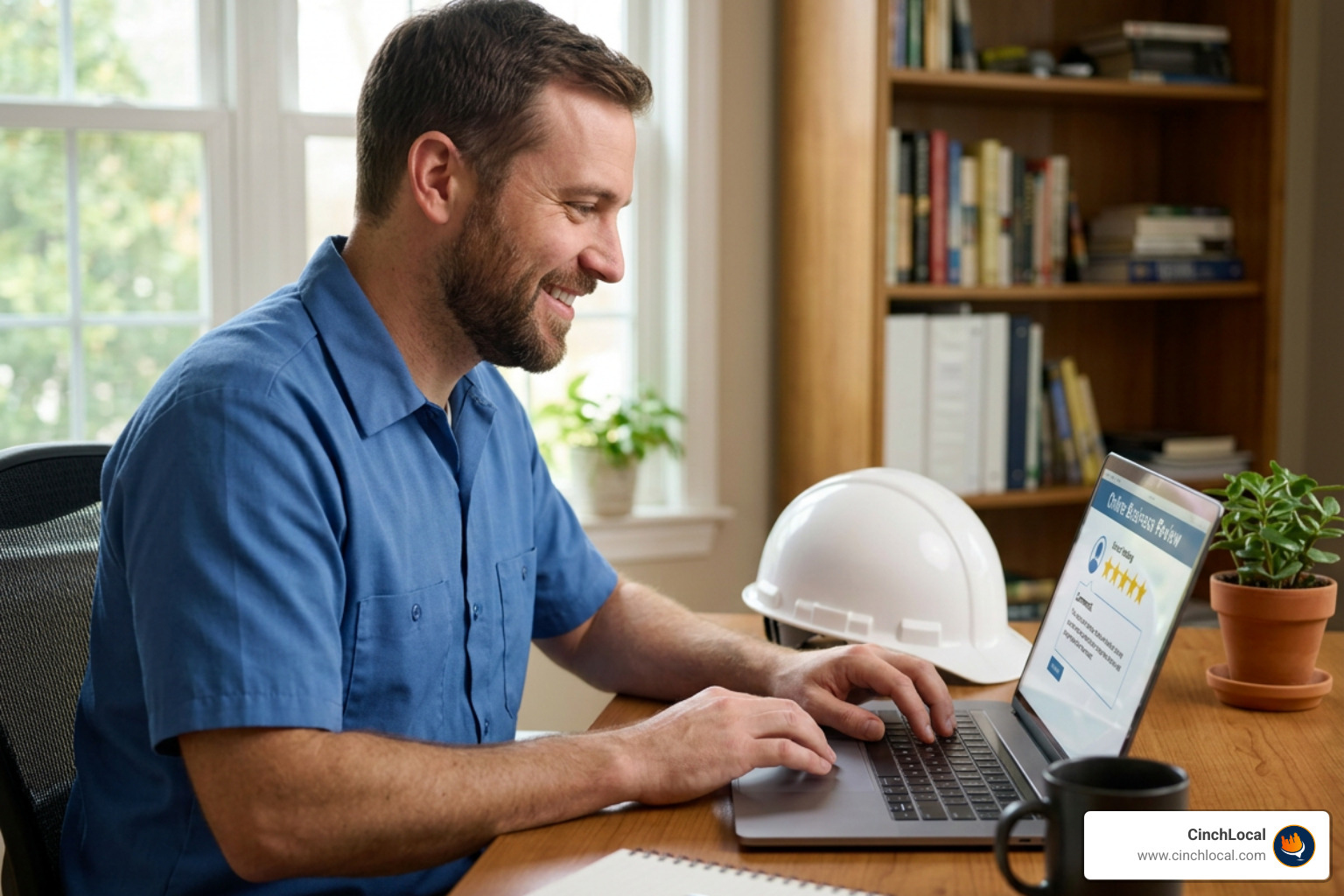
Google review quantity, star ratings, and review response frequency directly impact local map rankings. Industry data published by the Federal Trade Commission consumer guides emphasizes that authentic customer review signals help consumers choose reputable local service providers.
- Request Reviews Systematically: Provide homeowners with direct review links or physical review cards featuring QR codes immediately upon roof replacement inspection.
- Respond to Every Review: Draft thoughtful, professional responses to both 5-star praise and complaints. Responding demonstrates active management to search engine crawlers and prospective customers.
- Incorporate Natural Keywords: When replying to reviews, naturally mention specific services and locations (e.g., "Thank you for choosing us for your tile roof replacement in Atlanta!").
Visual Content, Attributes, and Google Posts
Rich media media converts profile visitors into booked estimates. Profiles featuring high-quality visual media earn significantly more interaction than barren listings.
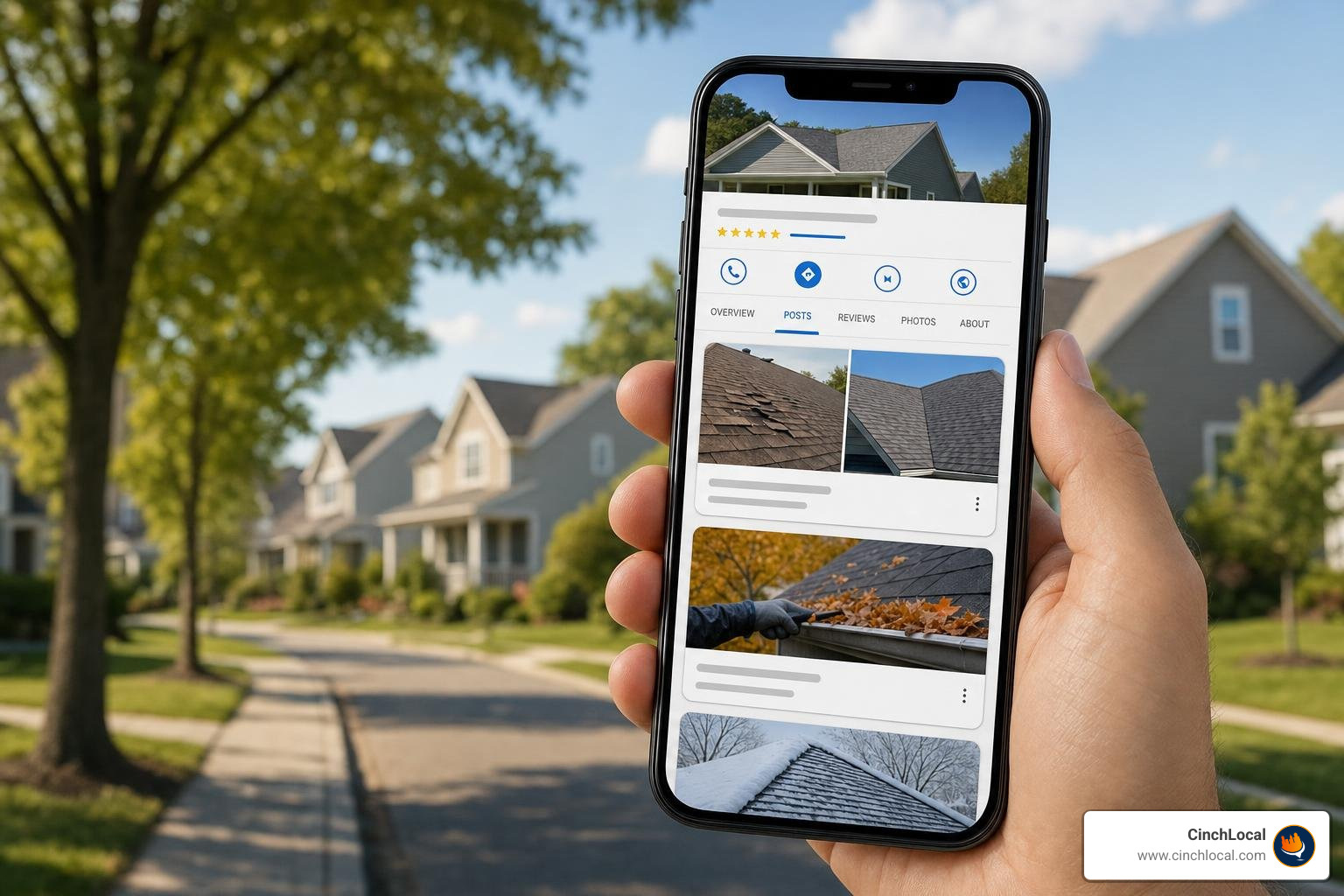
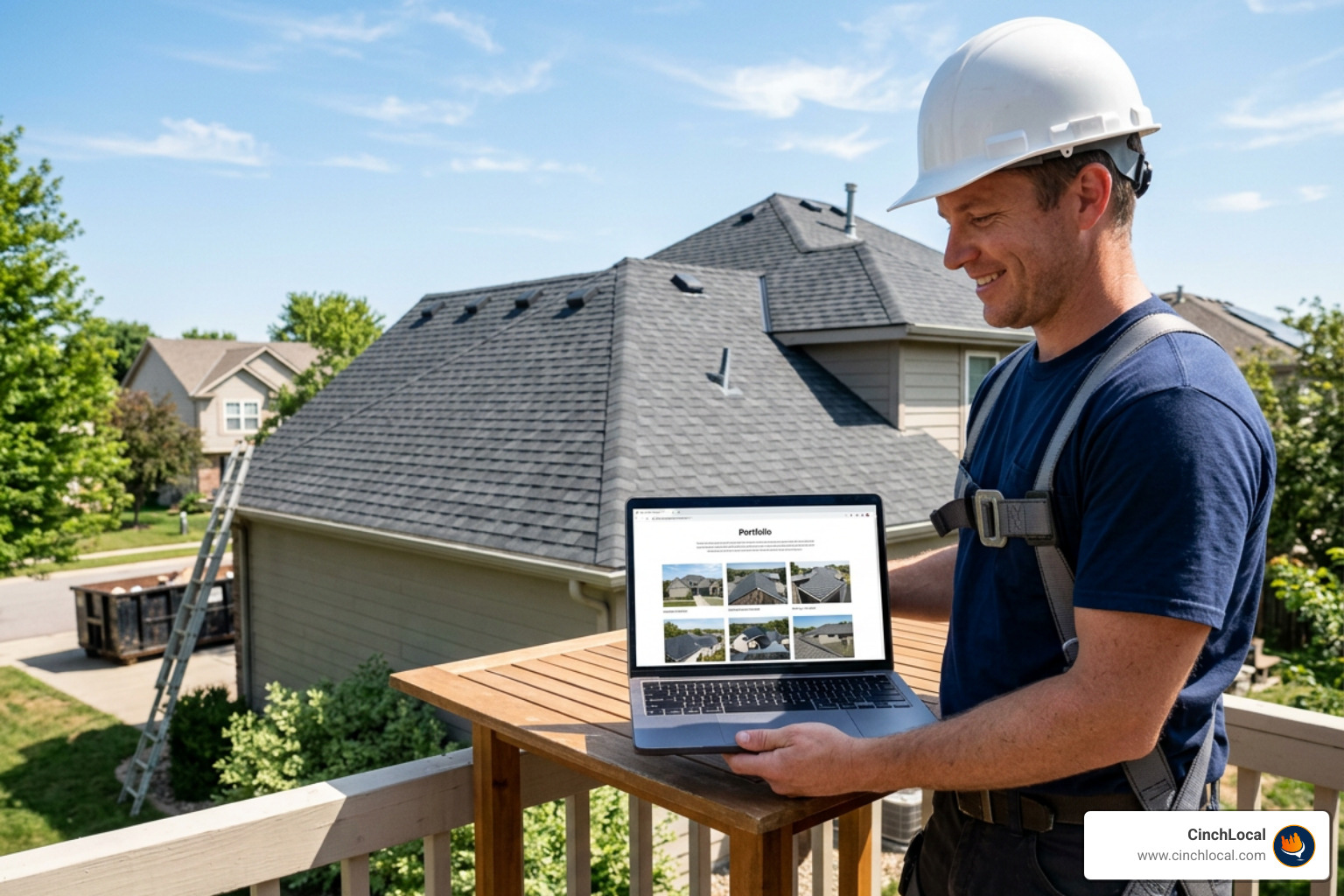
- High-Quality Photos and Video: Consistently upload sharp, high-resolution project photography. Showcase before-and-after roof restorations, crew safety gear, field tools, work vehicles, and finished shingle details.
- Business Attributes: Select relevant tags to highlight company values. Options include ownership attributes ("Veteran-Owned," "Women-Owned"), accessibility attributes ("Wheelchair Accessible Office"), and service options. For complete attribute rules, review Manage your business attributes - Google Business Profile Help.
- Google Posts: Use the updates tab to publish news, ongoing storm inspection offers, and seasonal maintenance advice. Include a clear Call to Action (CTA) button leading directly to your estimate contact page.
Guidelines for Representing Your Business and Avoiding Suspension
Google enforces strict representation guidelines to maintain local data integrity. A suspended profile erases your Google Maps visibility instantly.
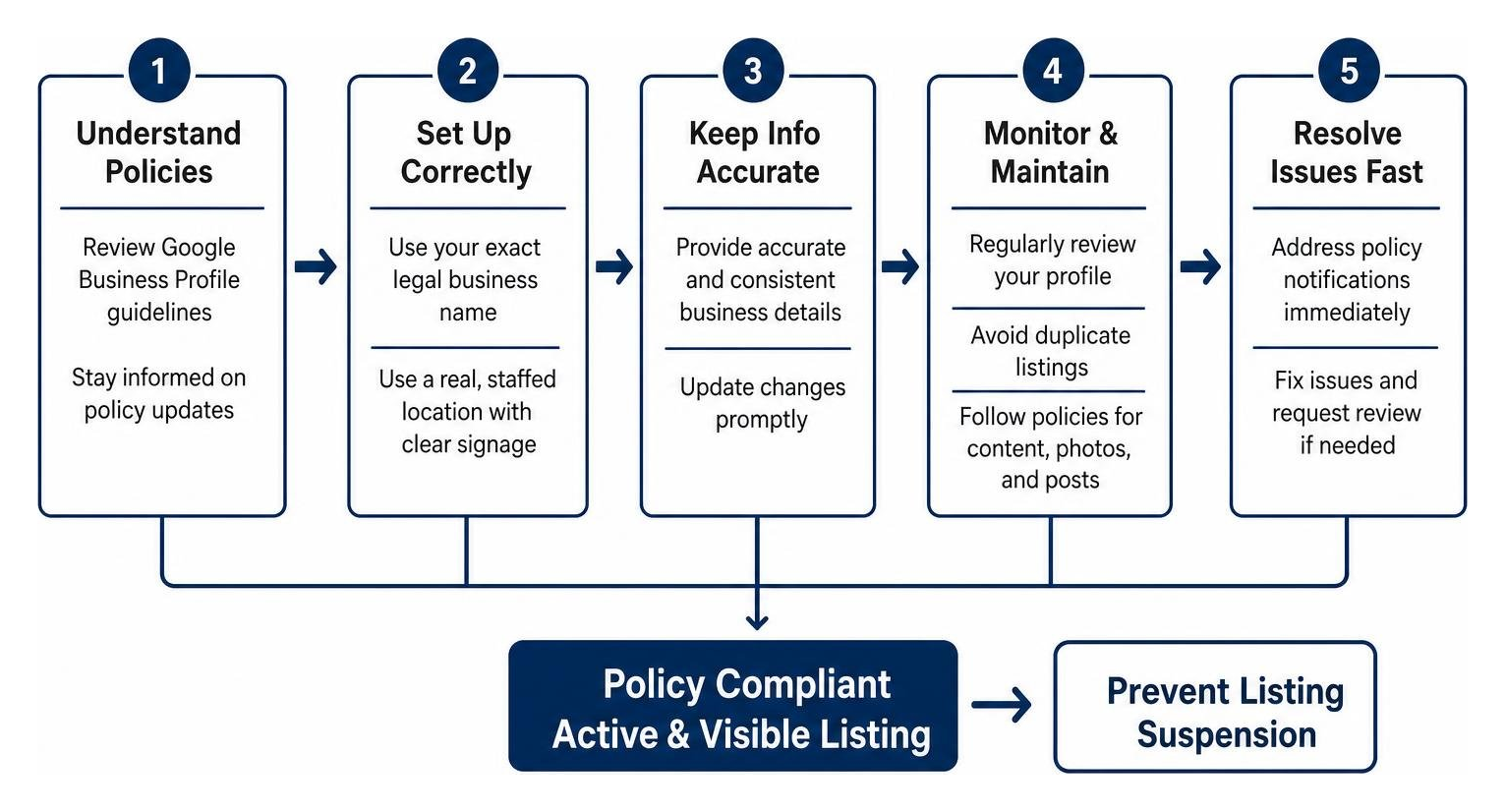
Review the complete official terms at Guidelines for representing your business on Google - Google Business Profile Help.
- Avoid Keyword Stuffing in Business Name: Register your exact legal operating name only. Adding extraneous text like "Roofing Repairs Free Estimates" leads to immediate suspension.
- Virtual Offices and Co-Working Spaces: You cannot establish a Google Business Profile at a virtual office address or co-working location unless that space is fully staffed by your employees during published business hours and features clear, permanent outdoor signage.
- Prevent Duplicate Listings: Never create multiple business profiles for a single physical address location. If expanding, establish separate verified locations only when genuine brick-and-mortar operations exist.
- PO Boxes and Mail Drop Locations: Google strictly forbids using P.O. Boxes, UPS Store mailboxes, or remote mail drops as physical business addresses.
- Handling Profile Suspension: If your profile gets suspended, do not immediately create a duplicate listing. Fix the non-compliant data fields (such as updating your address or business name) and submit a official reinstatement appeal along with official proof of business registration, state licensing, and utility bills.
Frequently Asked Questions About Google Business Profiles
Is a Google Business Profile completely free to create and manage?
Yes, creating, verifying, and managing a Google Business Profile on Search and Maps is completely free. Google does not charge subscription fees for standard profile features, customer reviews, photo uploads, or publishing posts. Be cautious of third-party telemarketing scams claiming you must pay an annual fee to keep your Google listing active.
How long does it take for profile changes and verification to process?
Minor text updates, attribute additions, and photo uploads typically process within 10 minutes, though manual quality reviews can occasionally take up to 30 days. Standard verification reviews via video or postcard generally take up to 5 business days after submission. Postcard delivery itself usually requires up to 14 days to arrive at your physical address.
How many categories can you add to a single business profile?
You can choose 1 primary category and up to 9 secondary categories, allowing a maximum total of 10 categories per profile. Select the fewest, most accurate categories available to represent your actual operational capabilities without diluting your primary service relevance.
Conclusion
Optimizing your Google My Business profile is not a one-time setup task; it is an ongoing operational strategy that directly governs how many local roofing jobs your company closes each month. By claiming your listing, ensuring absolute Name, Address, and Phone (NAP) accuracy, securing authentic customer reviews, and adhering closely to Google's representation guidelines, you create a steady source of inbound commercial and residential leads.
Maintaining a dominant position in local search requires continuous monitoring and strategy. For specialized contractors seeking expert guidance on scaling search reach and booking more qualified roof replacements, partner with industry experts who understand trade marketing inside and out. To maximize your digital footprint, explore our tailored Google Maps local SEO for roofers service.
Call to Action: Scale Your Local Business
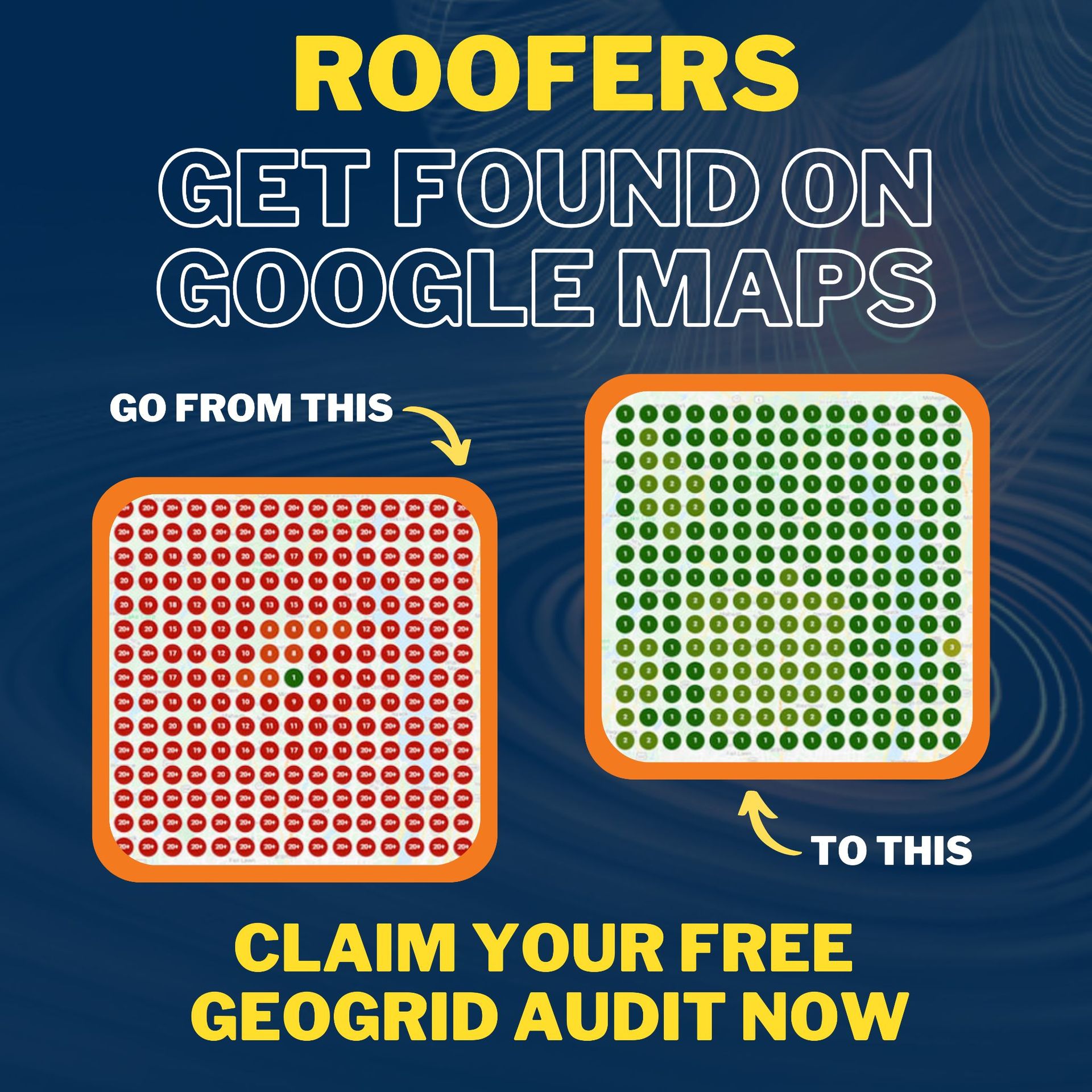
Ready to dominate local search results and attract high-paying roofing jobs? Partner with CinchLocal to implement our proven Roofer Footprint Expansion System. Contact CinchLocal today to schedule a free local SEO consultation and take control of your local search presence.
Want Us to Uncover Hidden 'Footprint Gaps' And Critical Blind Spots That’s Quietly Draining Calls, Jobs, and Profits?
Simply Fill Out The Form Below:
What If You Could Stop Wasting $30K+ a Year on Dead-End Marketing - And Finally Become the Go-To Roofer in Your City?
Other Helpful Articles You Might Enjoy