


Cary Byrd // Founder of CinchLocal
Why Every Roofing Contractor Needs a Google Maps Roofing Estimator
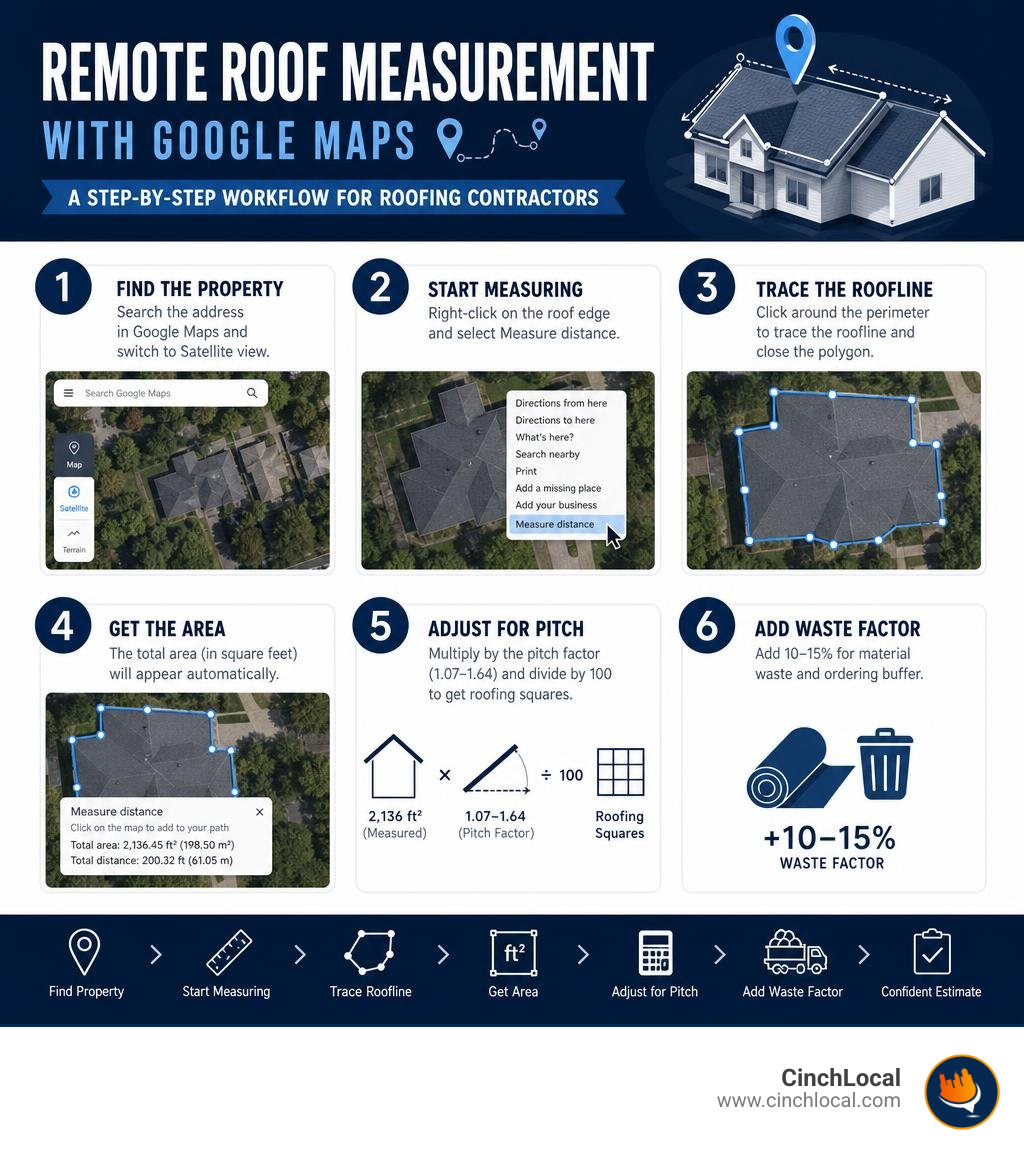
A google maps roofing estimator is a tool that lets you measure a roof's area remotely using satellite imagery — no ladder, no site visit, no wasted drive time. Here's the quick answer if that's all you need:
How a Google Maps roofing estimator works:
- Search the property address in Google Maps and switch to Satellite view
- Right-click the roof edge and select Measure distance
- Trace the roofline by clicking around the perimeter to close the polygon
- Read the square footage result, then apply a pitch multiplier (1.07–1.64 depending on slope)
- Divide adjusted square footage by 100 to get roofing squares
- Add a 10–15% waste factor for materials
That's the core process. But there's a lot more nuance — accuracy limits, pitch corrections, and how smart contractors are turning this workflow into a serious lead generation machine.
Getting a rough roof measurement used to mean scheduling a site visit, burning an hour on the road, and sometimes losing the job before you even handed over a quote. Today, roofing contractors across the country are measuring roofs in minutes from their desks — before the first phone call is ever made.
Tools built around Google Maps satellite imagery have changed the way estimates get started. According to industry research, satellite-based measurements can come within ±5–8% of manual on-site measurements for most residential properties. That's accurate enough to generate a credible ballpark quote — and accurate enough to win the conversation before a competitor even shows up.
For contractors in competitive local markets, speed matters. Homeowners often go with the first contractor who gives them a number. A satellite-based estimate delivered in minutes, not days, can be the difference between a closed job and a missed opportunity.
I'm Cary Byrd , CEO of CinchLocal, a roofing marketing agency, and I've spent years helping roofing contractors dominate their local markets using tools like the google maps roofing estimator to generate faster quotes and higher-quality leads. In the sections below, I'll walk you through exactly how to use this workflow — and how to turn it into a competitive advantage.
Easy google maps roofing estimator word list:
What is a Google Maps Roofing Estimator and How Does It Work?
A google maps roofing estimator is a digital framework or software application that utilizes high-resolution satellite and aerial imagery to calculate the flat surface area of a building's roof. In its simplest form, it relies on Google Maps' built-in coordinate system to measure distances between user-defined points.
When you use these estimators, you are performing a remote digital takeoff. The software overlays a measurement engine on top of orthophotographic satellite views. By tracing the perimeter of a roof, you generate a 2D flat footprint of the structure.
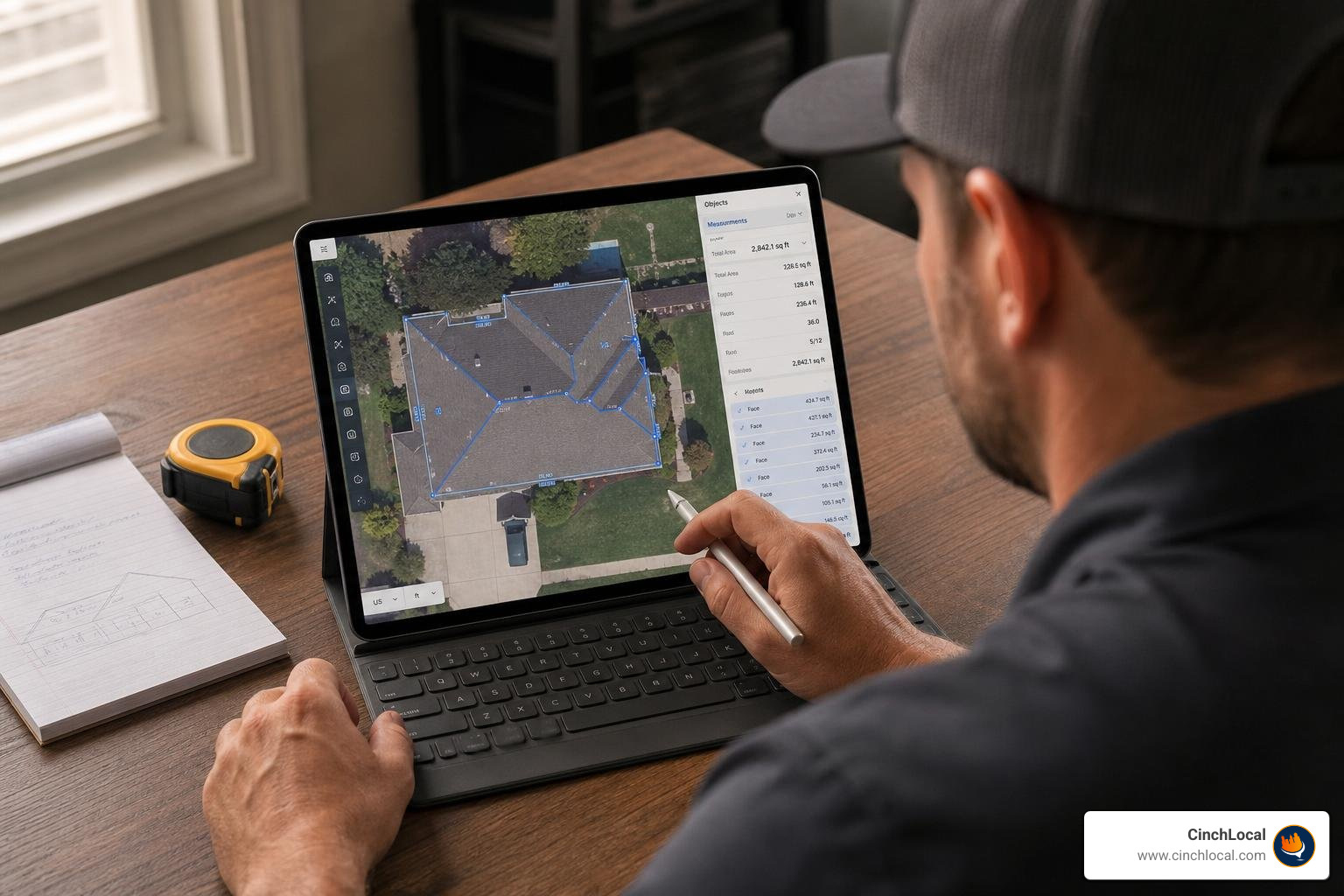
However, roofs are rarely flat. To transform a flat 2D footprint into an accurate 3D roof area estimate, the system must account for the slope or "pitch" of the roof. Professional estimators apply mathematical pitch multipliers to the flat square footage to calculate the true surface area.
Understanding how to leverage these digital tools is a core skill for the modern contractor. For a deeper look at utilizing map data in your day-to-day operations, check out our guide on Using Google Maps for Construction: A Contractor's Guide.
Step-by-Step Guide: How to Measure a Roof Using Google Maps
Measuring a roof from your office is straightforward once you know the right clicks. While specialized paid tools automate much of this, you can perform a highly accurate manual measurement using the free web version of Google Maps.
To help you visualize this process before we dive into the steps, you can watch this quick How to measure a roof with google maps - YouTube video tutorial. For a comprehensive breakdown of this technique, read our guide on Google Maps Roof Size Calculator: Measure Like a Pro from Your Couch.
Step 1: Locate the Property and Switch to Satellite View
Open Google Maps on your desktop browser. Enter the target property address in the search bar. Once the map pin drops, look at the bottom-left corner of your screen and click the Satellite thumbnail to switch to high-resolution aerial imagery.
Ensure you are looking directly down at the property. If the map is tilted in a 3D perspective, click the 2D button in the bottom-right corner to force a strict top-down, bird's-eye view. This eliminates perspective distortion.
Step 2: Trace the Roofline with the Google Maps Roofing Estimator Tool
Zoom in as close as possible to the target building without losing image clarity.
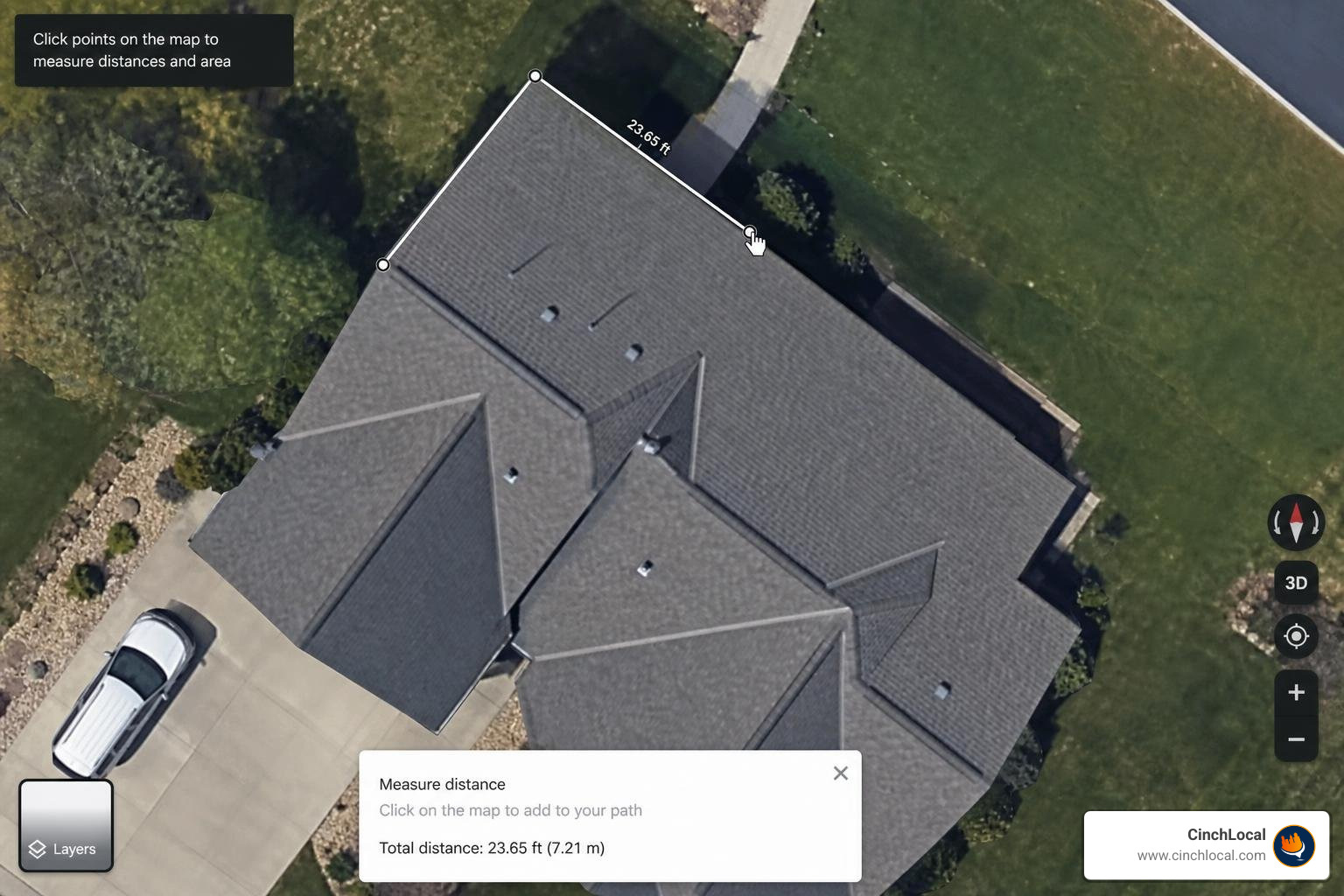
- Right-click on any corner of the roofline and select Measure distance from the context menu. This creates your starting point (Point A).
- Move your cursor to the next corner of the roof plane and left-click. A line will connect the two points, displaying the distance.
- Continue clicking along the outermost edges of the roof perimeter, tracing overhangs and eaves.
- To complete the shape and calculate the area, click back on your starting point (Point A).
A closed polygon will form. At the bottom of the screen, Google Maps will instantly display the Total Area in square feet, along with the total perimeter.
Step 3: Apply Pitch Multipliers and Waste Factors
The square footage displayed by Google Maps is the flat footprint. To find the actual roof surface area, you must multiply this number by the pitch multiplier that matches the roof's slope. Finally, you must add a waste factor (typically 10% to 15%) to account for shingle cutting in valleys, hips, and ridges.
Use this reference table to quickly calculate your actual material requirements based on the flat footprint:
| Roof Pitch | Slope Ratio | Pitch Multiplier | Recommended Waste Factor |
|---|---|---|---|
| Flat / Very Low | 0:12 to 2:12 | 1.00 to 1.02 | 10% |
| Low Pitch | 3:12 to 4:12 | 1.03 to 1.05 | 10% |
| Medium Pitch | 5:12 to 8:12 | 1.08 to 1.20 | 12% |
| Steep Pitch | 9:12 to 11:12 | 1.25 to 1.41 | 15% |
| Very Steep | 12:12+ | 1.42 to 1.64 | 15% to 20% |
Accuracy and Limitations of Satellite-Based Roof Measurements
While a google maps roofing estimator is an incredible tool for rapid quoting, it is not a 100% replacement for physical verification. Satellite-measured estimates typically achieve an accuracy range within ±5% to 8% of manual physical measurements.
Several real-world factors can limit the accuracy of satellite imagery:
- Image Tilt and Perspective : If the satellite captured the image at a slight angle, one side of the roof may appear larger than it is.
- Tree Obstructions : Heavy foliage can block the view of eaves, valleys, and overhangs, forcing you to guess where the roofline ends.
- Outdated Imagery : Satellite databases are updated periodically. If the homeowner added an extension, a dormer, or rebuilt the roof since the last flyover, your measurements will be incorrect.
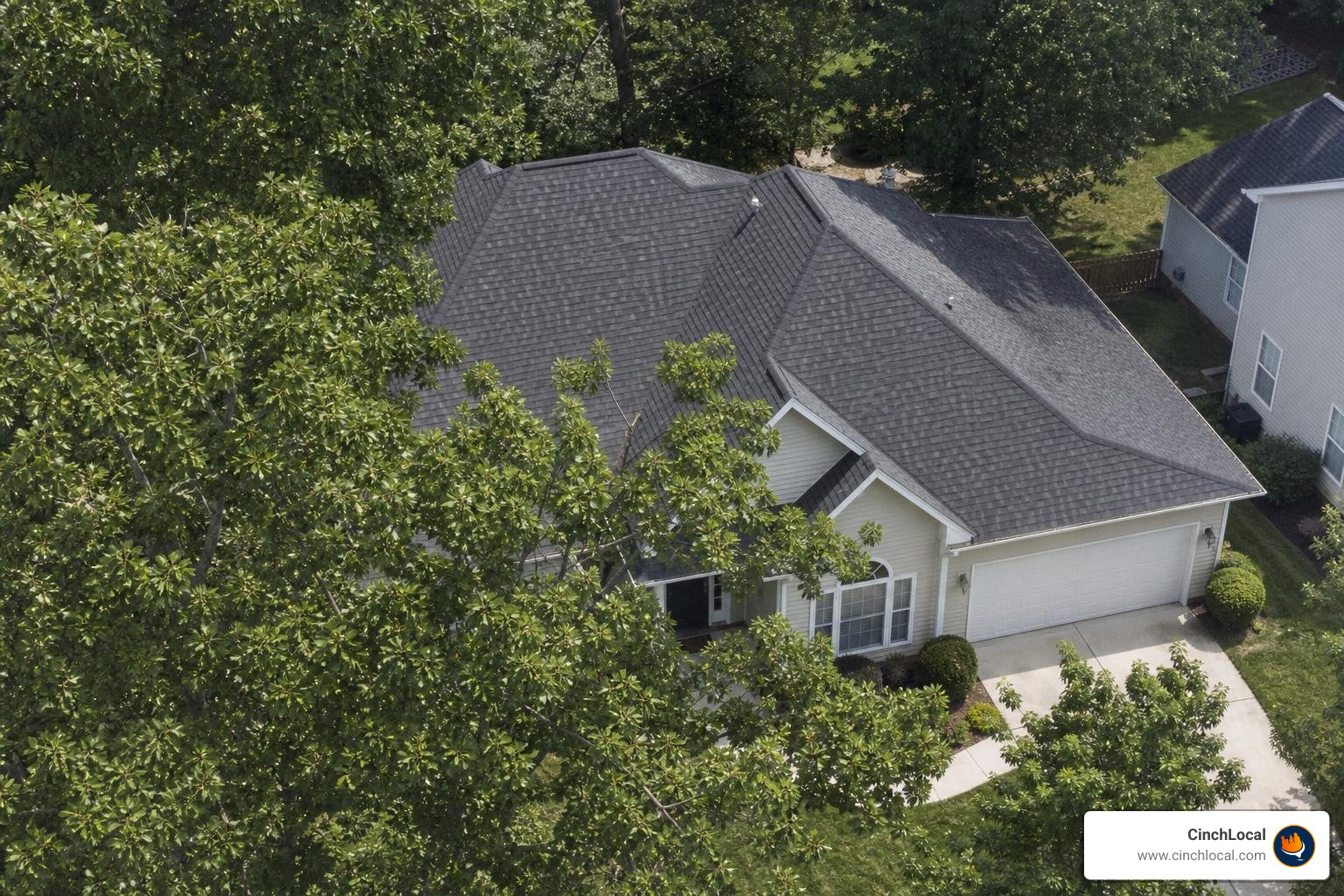
To mitigate these limitations, many contractors cross-reference Google Maps with the Google Maps Platform Solar API, which uses advanced 3D geometry extraction to map shading and roof angles. You can also leverage Google Earth Pro's historical imagery tools to view the property during winter months when trees have lost their leaves. For more tips on utilizing these advanced tools, read The DIY Guide to Using a Google Earth Roof Area Calculator.
How Professional Contractors Verify a Google Maps Roofing Estimator Estimate
To protect your profit margins, never order materials based solely on a satellite trace. Professional contractors use remote estimates to send the initial proposal, but always perform an on-site verification before signing a final contract.
During the site visit, use a pitch gauge or smart app to verify the slope, check the condition of the decking, and take manual tape measurements of the eave-to-ridge lengths to confirm the satellite calibration.
Leveraging Google Maps to Scale Your Roofing Business
Implementing a remote estimation workflow does more than save gas; it transforms your sales pipeline. When integrated directly into your website, a map-based quoting tool allows prospects to request estimates in real-time.
According to industry benchmarks, contractors using instant map-based quoting tools on their websites report a 15% to 30% boost in conversion rates and save between 5 to 10 hours per week on manual administrative work. By letting homeowners draw their own roofs or auto-extracting data via APIs, you capture high-intent leads while they are actively searching.
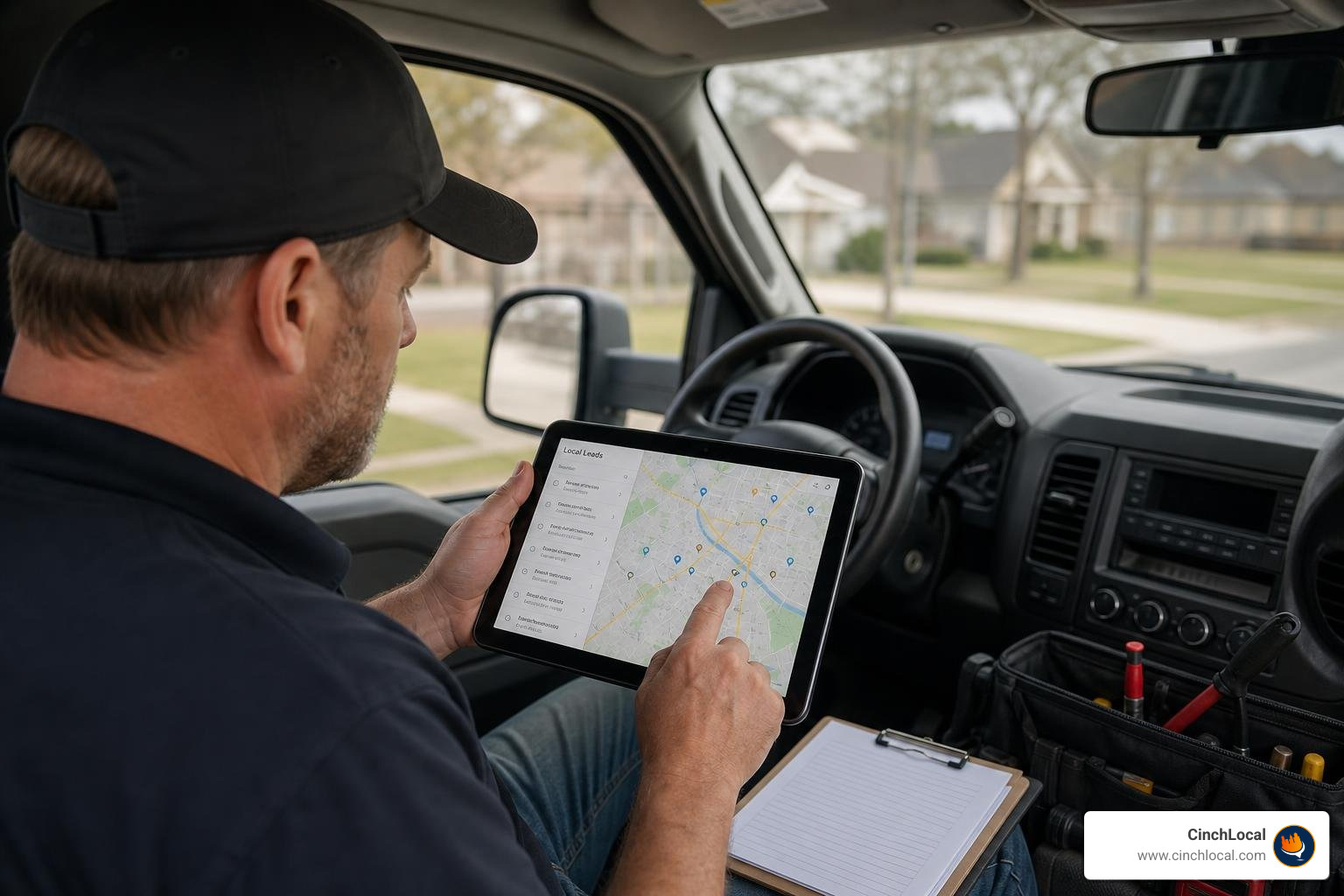
To maximize this lead flow, your business must be visible where homeowners are searching. Ranking in the local Map Pack is the single most effective way to secure these high-intent leads. Our tailored Google Maps Local SEO for Roofers service is designed specifically to help contractors dominate local search results.
By combining high-visibility local SEO with instant remote quoting options, you create a seamless acquisition funnel. You can view our proven local SEO results to see how we’ve helped businesses expand their regional footprints. To learn more about optimizing your entire digital presence, explore The Definitive Guide to Using Google Maps for Roofing.
For contractors who want to offer highly detailed estimates, platforms like The 40-Factor Roof Estimator & Calculator – Total Roof Estimator combine satellite measurements with local building codes, weather history, and material logic to generate comprehensive, hyper-local bids instantly.
Grow Your Roofing Business with CinchLocal
Tired of chasing cold leads and spending hours driving to dead-end estimate appointments? At CinchLocal , we specialize exclusively in the roofing industry.
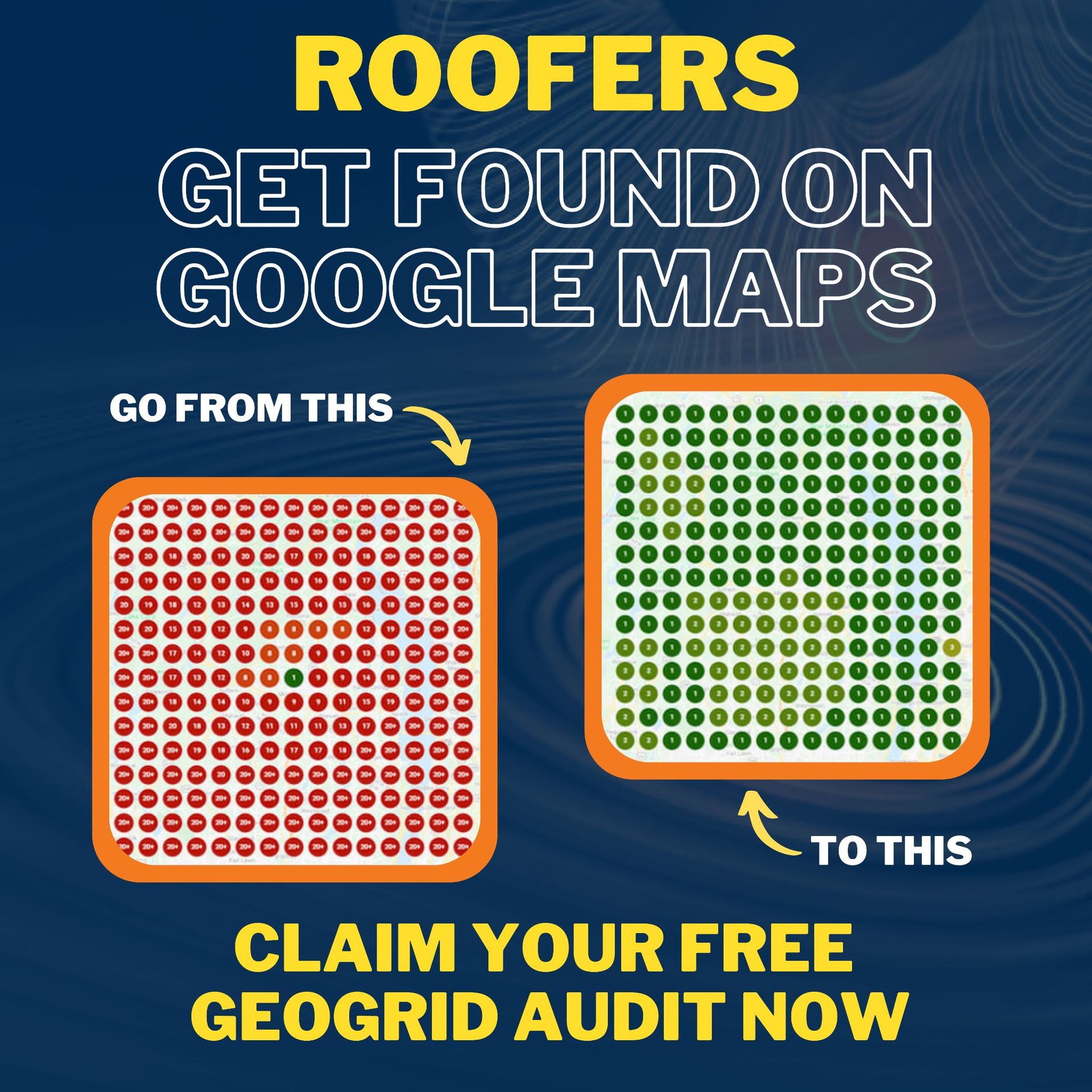
Our proprietary Roofer Footprint Expansion System is designed to guarantee increased Google Maps visibility and deliver pre-sold leads directly to your inbox within 30 days. We serve roofing professionals across the United States, including key hubs in California, Georgia, Tennessee, and Ohio.
Frequently Asked Questions about Remote Roof Estimation
How accurate is a Google Maps roofing estimator compared to on-site measurements?
A google maps roofing estimator typically operates within an accuracy tolerance of ±5% to 8% . This margin is highly reliable for initial budgeting and sales proposals. However, factors like tree cover, shadow lines, and image distortion require a physical site visit to verify exact dimensions before ordering materials.
How do you convert Google Maps square footage into roofing squares?
To convert square footage into roofing squares, follow this simple formula:
- Take the flat square footage measured on Google Maps.
- Multiply it by your roof's pitch factor (e.g., 1.25 for a 8:12 pitch) to get the true surface area.
- Divide the true surface area by 100 (since 1 roofing square = 100 square feet).
- Multiply the result by your waste factor (e.g., 1.15 for a 15% waste addition) to find the total squares to order.
Can I use Google Earth instead of Google Maps for roof measurements?
Yes. Google Earth Pro (desktop version) offers advanced measurement tools, including 3D mesh modeling and elevation data. This allows you to measure slope lengths directly rather than relying solely on 2D footprints and manual pitch multipliers.
Conclusion
Embracing a google maps roofing estimator workflow is one of the smartest operational moves a modern roofing contractor can make. It dramatically reduces the time spent on unqualified leads, slashes fuel costs, and allows you to deliver quotes to potential clients in minutes.
While satellite tools have minor limitations regarding obstructions and historical image accuracy, their speed and convenience make them indispensable for initial sales conversations.
However, a great estimating system only works if you have a steady stream of prospects using it. At CinchLocal , we help roofing contractors in California, Georgia, Tennessee, Ohio, and across the US dominate the Google Map Pack to capture the highest-intent leads in their local markets.
Ready to stop chasing leads and start scaling your business? Contact CinchLocal today to get your free local SEO audit and see how our Roofer Footprint Expansion System can fuel your sales engine.
Want Us to Uncover Hidden 'Footprint Gaps' And Critical Blind Spots That’s Quietly Draining Calls, Jobs, and Profits?
Simply Fill Out The Form Below:
What If You Could Stop Wasting $30K+ a Year on Dead-End Marketing - And Finally Become the Go-To Roofer in Your City?
Other Helpful Articles You Might Enjoy